Computer & Workstation Forensics

When the laptop, desktop, or server holds the answers.

The way evidence is collected and analyzed determines whether it stands up later. Data Rescue Labs performs forensically sound acquisitions and deep examinations of Windows, macOS and Linux systems — producing findings that survive scrutiny in court, in arbitration and in front of regulators.
Systems examined
12,000+
Platforms
Win · Mac · Linux
SECURE INTAKE · COMPUTER PRIVILEGED
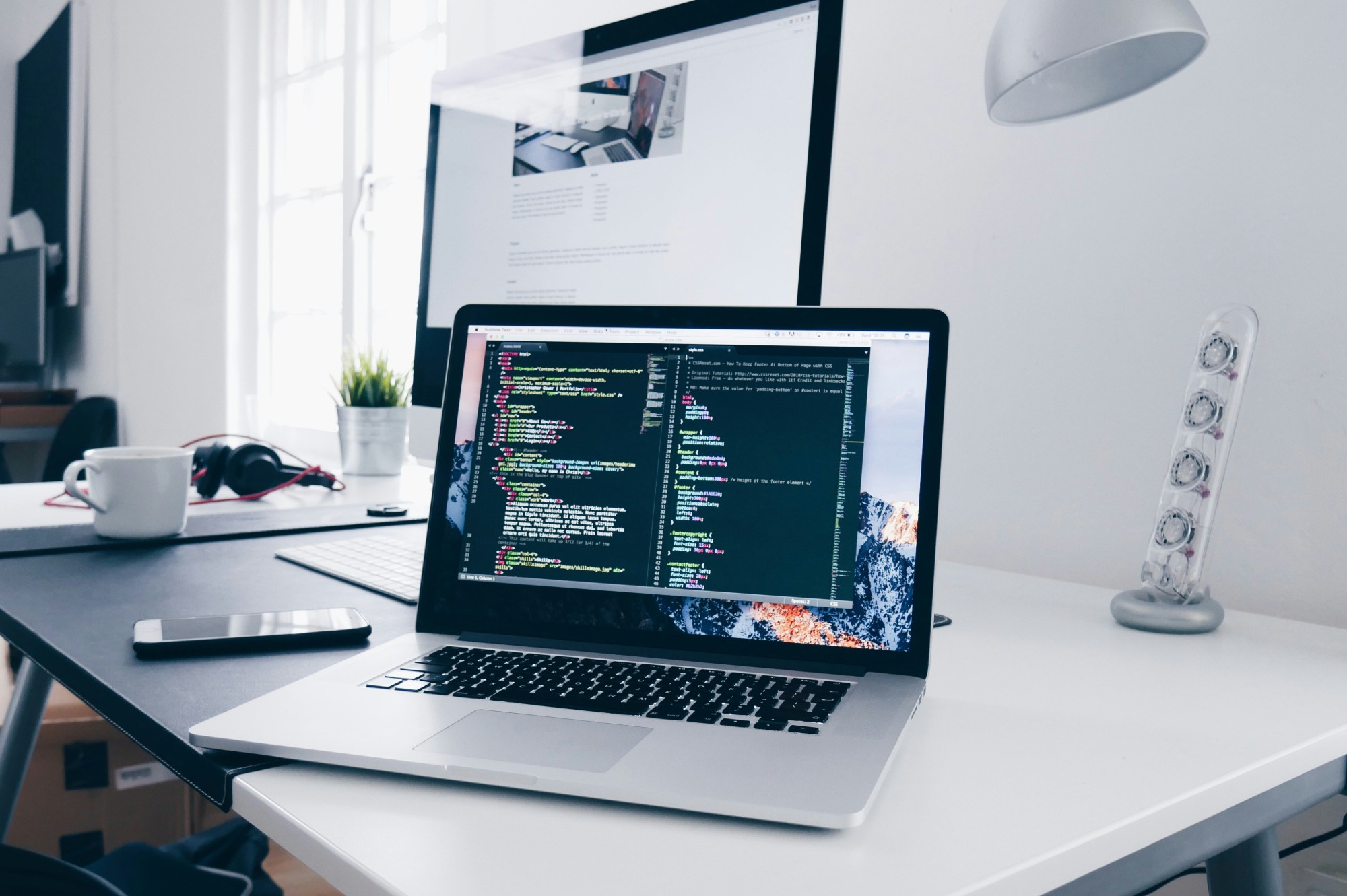
Server room with monitor - computer and workstation forensics
01 / Computer & Workstation Forensics
What we deliver

Nine capabilities. Every platform.
One defensible report.

From a single laptop in a civil dispute to a multi-server breach investigation — we have a workflow built for it.

01
Forensic Imaging & Acquisition
Bit-for-bit imaging of drives, SSDs and live systems using write-blocked hardware. MD5 and SHA-256 hash verification with full chain-of-custody documentation defensible under Federal Rule of Evidence 901.
Write-block SHA-256 FRE 901
02
Deleted File Recovery
Recovery and data carving across NTFS, APFS, HFS+, ext4 and FAT/exFAT volumes. Documents, images, databases and communications recovered after deletion, formatting, or partial overwrite.
NTFS APFS ext4 Data carving
03
User Activity Analysis
Reconstruction of exactly what a user did, when and with which files — drawing on Windows Registry, Prefetch, Jump Lists, LNK files, USB device history, ShellBags and MRU artifacts.
Registry Prefetch ShellBags
04
Browser & Internet Forensics
Cache, history, cookies, downloads, autofill and private-browsing remnants across Chrome, Edge, Safari and Firefox. Includes web-based email reconstruction and cloud storage access logs.
Chrome Edge Safari Private mode
05
Super-Timeline Reconstruction
A single defensible timeline combining file system metadata, Registry hives, Windows Event Logs and application artifacts into a unified chronological record — the standard that holds in federal court.
Event Logs MFT Plaso
06
macOS Forensics
APFS volume structures, FSEvents logs, Unified Log (OSLog), Time Machine snapshots, Spotlight metadata and iCloud artifact correlation. We recover artifacts Windows-focused tools miss on Mac systems.
APFS FSEvents iCloud
07
Linux & Server Triage
Journald and syslog analysis, bash history reconstruction, cron job forensics, SSH key and auth log review and web server access log correlation. Live-system and acquired-image workflows available.
journald SSH logs cron
08
Memory (RAM) Forensics
Live memory acquisition and analysis for running malware identification, injected code detection, decrypted credential recovery and process-level activity reconstruction. RAM reveals what disk analysis cannot.
Live RAM Malware
09
Anti-Forensics Detection
Detection of deliberate evidence destruction: file wipers, secure-delete tools, timestomping, log clearing and volume encryption deployed post-incident. We turn destruction attempts into evidence of consciousness of guilt.
Wipers Timestomping Log clearing
When you need this

Five situations that bring clients to us.

Computer forensics applies whenever a device's storage, activity logs, or memory hold evidence that must be preserved and presented with legal integrity.

01
Employee departure with suspected data theft.
Files copied to USB, uploaded to personal cloud storage, or emailed externally before departure. USB device history, ShellBag artifacts and browser cloud-sync logs tell the full story of what left and when.
02
A device is at the centre of litigation or arbitration.
A laptop or workstation requires independent forensic preservation and analysis. Courts and arbitrators increasingly expect certified examination — not IT department screenshots.
03
Workstation breach — ransomware, insider, or APT.
Exactly what the attacker accessed, modified, or exfiltrated. Memory analysis combined with super-timeline reconstruction establishes the full scope of compromise for insurers, regulators and counsel.
04
Metadata or timestamps are being challenged.
A device's file dates, access records, or forensic opinion from the opposing side need independent verification or rebuttal. We examine the artifacts, not just the conclusions.
05
Regulator or counsel has requested forensic preservation.
A court-qualified examiner must handle preservation before evidence degrades. We provide tamper-evident acquisition, defensible chain-of-custody and a written findings report under privilege.
Platform coverage

Every OS. Equal depth.

No outsourcing, no gaps when a case spans platforms. Windows, macOS and Linux examined by the same credentialed examiners using the same court-tested methodology.

Platform 01
Windows
  • NTFS MFT & $LogFile
  • Windows Registry hives
  • Prefetch & SuperFetch
  • Windows Event Log (.evtx)
  • LNK files & Jump Lists
  • ShellBags & USB history
  • Volume Shadow Copies
  • Recycle Bin ($I / $R)
Platform 03
Linux
  • ext4 / XFS / Btrfs journals
  • journald & syslog
  • bash / zsh history
  • cron jobs & systemd units
  • SSH auth logs & known_hosts
  • Web server access logs
  • Docker / container artefacts
  • /proc & /sys memory maps
Computer FAQ

Computer examination, answered.

Common questions about Windows, macOS and Linux forensic examination in Canadian matters.

Can BitLocker- or FileVault-encrypted drives be examined?

With the recovery key, yes — fully. We decrypt the image in place during analysis without modifying the original drive.

Without the key: limited to physical-level imaging plus memory forensics if the system was running when seized. RAM may contain decryption keys we can extract with court-validated memory-forensics tooling. If the device was powered off, key derivation requires the user passphrase, recovery key, TPM access (BitLocker), or device-specific T2/M-series exploit (Mac).

What can RAM / memory forensics reveal?

A lot more than disk forensics alone:

Running processes (including injected DLLs and rootkit-hidden processes), active network connections with remote IPs, encryption keys in memory (BitLocker, FileVault, VeraCrypt, encrypted messaging apps), browser session tokens and decrypted cookies, recently-typed commands in shell history, cleartext passwords from poorly-cleared memory and artifacts of deleted files still mapped by running processes.

Can deleted files be recovered from a Windows laptop?

Yes — multiple paths.

$MFT carving recovers files whose metadata still exists. USN Journal shows file creation, modification and deletion events. Volume Shadow Copies (snapshots) may contain older versions of deleted files. Pagefile / hiberfil.sys can yield fragments of recent documents. File-signature carving recovers files whose metadata is gone but data blocks remain on disk.

What is shellbag forensics?

Shellbags are Windows Registry entries that track which folders a user has opened in Explorer and when. They persist even after the folder is deleted or the external drive is unplugged — meaning we can prove a user navigated to a specific path on a USB drive that's no longer connected.

Huge value in IP-theft cases: we can show which folders on a corporate share were accessed in the days before an employee left.

How do you detect anti-forensics on a computer?

Several signals. CCleaner / BleachBit traces (registry entries, prefetch files, installer artifacts). Timeline gaps where logs were deleted but adjacent system journals show activity. Secure-delete tool execution (SDelete, Eraser, srm) detected via prefetch and registry MRU. Anti-VM / anti-debug artifacts in installed software. Disabled telemetry, audit, or restore points set inconsistently with normal user behavior.

The act of cleaning often leaves a more incriminating trail than the original artifacts would have.

Can macOS APFS be examined forensically?

Yes. APFS introduced new artifact sources: APFS snapshots (point-in-time filesystem state), FSEvents (filesystem change journal), Time Machine local snapshots, the Spotlight metadata index and unified logs (replacement for syslog with much richer detail).

For Macs with the T2 or M-series Secure Enclave, full-disk decryption requires the user password (or admin recovery). Live memory imaging with court-validated tooling can grab keys before shutdown.

Can a Linux server be examined without taking it offline?

Partially. We can do live forensics: memory capture, running-process snapshot, network connection state, syslog / journald extraction and command history. That covers most active-incident scenarios.

For a full forensic image of the disk, we need the system offline — or we use copy-on-write LVM snapshots to image while running, accepting that some inconsistency may exist for actively-written files.